Cycling Computers and Data Recording: What Actually Matters
The cycling computer market has expanded dramatically. Devices now record GPS, power, heart rate, cadence, elevation, temperature, navigation, live segments, CIQ apps, and more. Feature lists grow longer every product cycle. But for most cyclists, a relatively modest set of data fields matters for training, and choosing the right device depends more on understanding what you actually use than on counting features.
What Data Actually Matters for Training
Before choosing a device, clarify which metrics inform your training decisions.
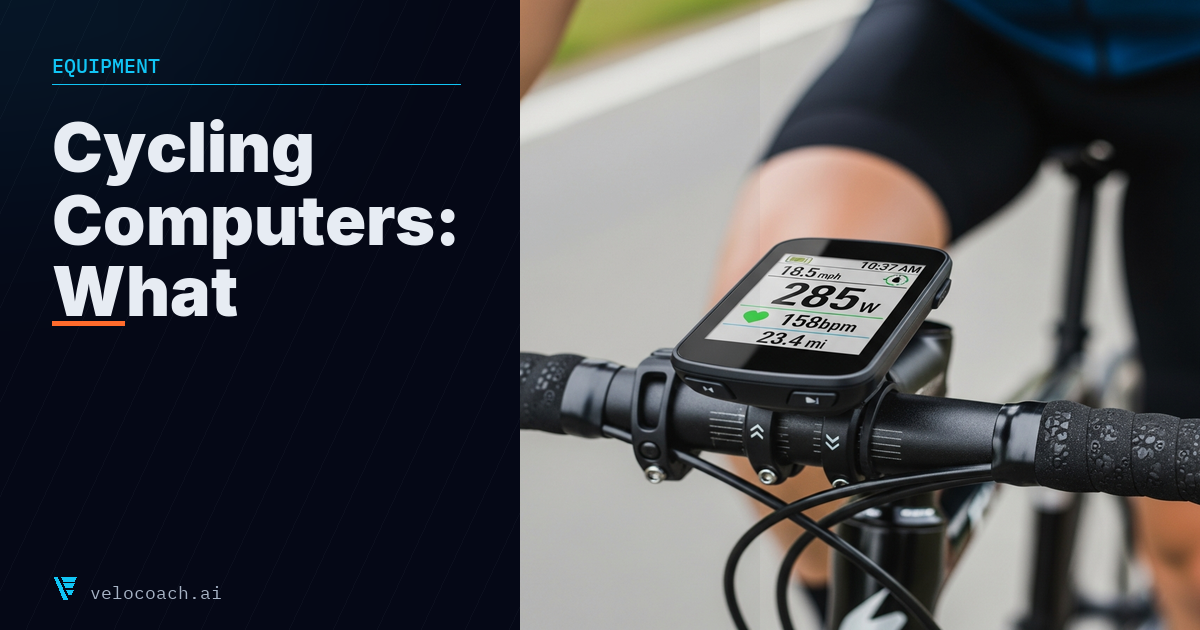
Power: If you have a power meter, your computer needs to display and record power clearly. Instantaneous power, 3-second average, and weighted power for the session are the most useful fields.
Heart rate: An important training zone and recovery indicator, requiring a chest strap or compatible optical sensor.
Cadence: Cadence is a meaningful metric for technique, interval targeting, and cadence-specific training cues.
GPS track and distance: Navigation, segment analysis, and ride mapping all depend on accurate GPS.
Elapsed time and interval timer: For structured interval training, a device that can guide you through intervals with visual or audible cues simplifies execution.
Everything else (temperature, wind speed, gradient estimates, live weather) is supplementary.
Device Tiers
Entry level (£150 to £250):
Garmin Edge 130 Plus, Wahoo Elemnt Bolt v1. Accurate GPS, basic power and heart rate display, compatible with most sensors, small form factor. Suitable for cyclists who want reliable data recording without complex navigation or advanced features.
The limitation at this tier is typically screen size (limits how many data fields are comfortably visible) and navigation (turn-by-turn navigation is basic or absent).
Mid-tier (£300 to £500):
Garmin Edge 540/840, Wahoo Elemnt Bolt v2, Bryton Rider 750. Larger screens, full navigation, live segments, training load metrics, ClimbPro (gradient ahead), phone notifications, and more. This tier covers the needs of the majority of serious amateur cyclists.
The Garmin vs Wahoo choice at this tier is largely personal preference. Garmin devices have more features and a larger third-party app ecosystem (Connect IQ); Wahoo devices are simpler to configure and arguably more intuitive to operate mid-ride.
Premium (£500 to £700+):
Garmin Edge 1040/1050, Wahoo Elemnt Ace, Hammerhead Karoo 3. Large screens, advanced navigation, real-time training guidance, heat acclimatisation advice, suggested workouts, solar charging (Garmin). The performance gap between mid-tier and premium is narrower than the price gap suggests for most cyclists. Premium devices primarily offer larger screens, better navigation maps, and more AI-assisted training guidance features.
Key Connectivity: ANT+ and Bluetooth
Cycling computers communicate with sensors via ANT+ and Bluetooth Smart (BTLE). Most quality sensors (power meters, heart rate straps, cadence sensors) support both protocols. Ensure your chosen computer connects to your existing sensors.
Most modern computers also support dual-band recording (connecting to both ANT+ and Bluetooth simultaneously), which is useful when your sensor is broadcasting on one protocol and your trainer on another.
Important: If you are pairing a power meter to both your computer and a training platform (Zwift, TrainerRoad), be aware of signal conflicts. Many sensors cannot broadcast to multiple devices simultaneously via Bluetooth. ANT+ is typically one-to-many (one sensor can connect to many receivers). Bluetooth is typically one-to-one.
Pairing to Third-Party Platforms
If you train indoors and use Zwift, TrainerRoad, or similar platforms, your computer may not be in the loop at all: the platform connects directly to your smart trainer and records the session. However, outdoor rides recorded on your computer need to sync to whatever platform you use for analysis and planning.
Garmin: Syncs automatically to Garmin Connect, then can auto-sync to Strava, TrainingPeaks, and most other platforms via Garmin Connect partners.
Wahoo: Syncs to Wahoo Fitness app, then auto-syncs to Strava, TrainingPeaks, and others.
Hammerhead Karoo: Syncs to the Karoo app, then to third-party platforms.
All major computers support .FIT file export, which is the universal cycling data format. Any platform worth using accepts .FIT files.
How to Configure Your Data Screens
The default data screen configurations on most cycling computers are not optimised for structured training. Worth customising:
Main training screen: Power (3-second average), heart rate, cadence, elapsed time, interval time remaining (if available), and one contextual field (weighted power or Load accumulated).
Interval screen: If your device supports dedicated interval displays, configure it to show target power, current power, and time remaining. This simplifies interval execution significantly.
Summary screen: Weighted power for session, average heart rate, elapsed time, distance. Enough to assess the session at a glance.
Navigation screen: Map plus arrival time (if using navigation).
Recording Settings
Record your rides at 1-second intervals rather than smart recording (where the device records only when metrics change). Smart recording reduces file size but creates gaps and inaccuracies in power data analysis, particularly during interval sessions where power changes rapidly. Storage is cheap; data accuracy matters.
Enable all relevant data streams: power, heart rate, cadence, GPS. If your device supports barometric altitude, use it (GPS altitude is less accurate, particularly for elevation gain calculations).
Data Analysis After the Ride
The computer records the file; the analysis happens in a platform. Most cyclists use Strava (social, segments, basic metrics), TrainingPeaks (detailed training load analysis), or Garmin Connect (if Garmin devices are your primary hardware).
For power-based training analysis specifically, TrainingPeaks or a dedicated analysis platform provides better tools than Strava's basic summary view. The key metrics worth reviewing after each session: weighted power, intensity (weighted power divided by FTP), Load, power distribution, and heart rate drift.
---
Train with a coach that reads your data
VeloCoach AI connects to Garmin, Wahoo, Intervals.icu and Apple Health, and tells you exactly what to do next.
Download on the App Store